
Thoughtgrazing and Forums
http://thoughtgrazing.org/
http://thoughtgrazing.org/cardiff-u3a-computer-group/community/forums-and-topics/ – not active any more
Buying an iPhone (Marilyn), and a used one at that, contract free
The phone Jenny has is an iPhone SE, I have an iPhone 6s. Both of these (though not the latest models) are still obtainable from Apple, or from the Service Providers. So here are some links for you to chase-up. Unless you plan to hold a lot of photos/videos on your phone, I wouldn’t worry too much on having more than the minimum amount of memory (RAM).
You might consider buying a used model. This is a good article which explains the options. I can’t recommend, because I’ve never done it – https://www.macworld.co.uk/feature/iphone/how-to-buy-second-hand-iphone-3496606/.
However the Service Provider I use, and would seriously recommend using (GiffGaff owned by O2 and using the O2 network) do offer pre-owned phones and I would have no hesitation of thinking about buying from them – https://www.giffgaff.com/mobile-phones/pre-owned.
Can I also pleas stress that you should NOT consider buying a phone on a contract if you can at all possibly afford the up-front cost, as the long-term cost is SO much greater; the same goes for the instalment options. Your best option is a SIM-free purchase – I pay just £7.50 a month for my deal with GiffGaff, and I could quite possibly drop that down to just £5 per month.
So here’s the page for buying a phone from the Apple Store – https://www.apple.com/uk/iphone/ – you’ll see that both of our phones are still current models.
The iPhone SE – https://www.apple.com/uk/iphone-se/ – and The iPhone 6s – https://www.apple.com/uk/shop/buy-iphone/iphone6s
Please feel free to contact me again for further advice/guidance before you make a decision.
I think I may spend some time on this in the Computer Group on Thursday. Always a good topic.
GiffGaff and 3 (PAYG)
https://www.three.co.uk/Store/SIM/Pay_As_You_Go
https://www.giffgaff.com/
https://www.giffgaff.com/mobile-phones/pre-owned/apple
Fraud website from UK Gov
https://takefive-stopfraud.org.uk/
and course from FutureLearn
https://www.futurelearn.com/courses/cyber-security?
Hangouts (and also Chrome Extensions)
https://hangouts.google.com/
Sharing an image (or album) from Google Photos
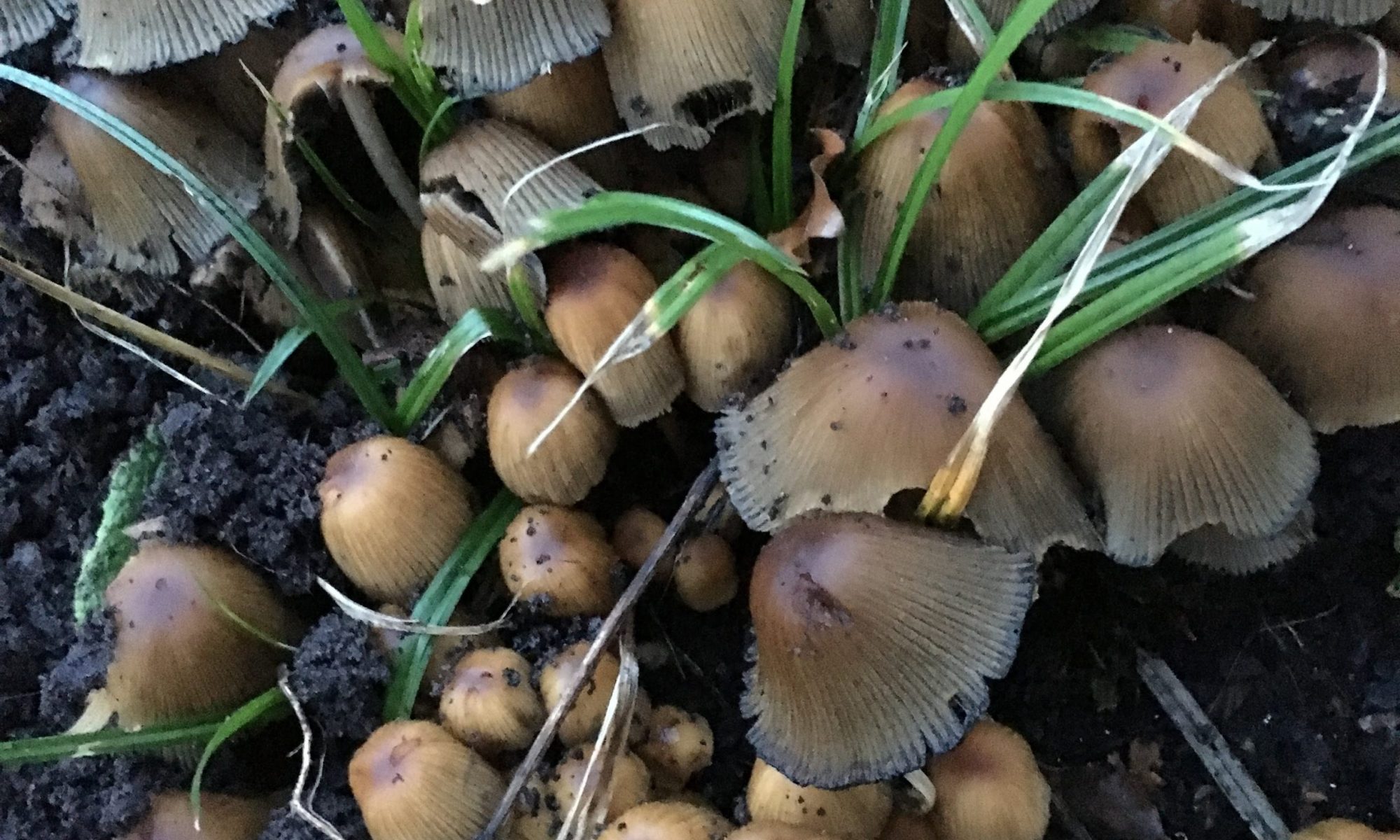
To finish off this series of posts on using Google Photos, this post complements the email that I sent out to the Cardiff U3A Computer Group which encouraged them to do some “homework” and share a photo stored in Google Photos with me.
This post uses a couple of photos which I took this week of some toadstools that had appeared in our garden after the heavy rains we’ve had this month and which Jenny was worried might be Honey Fungus. I took them to achieve an identification – which I hope I’ve got right!
From my Google Photos desktop I can see this …
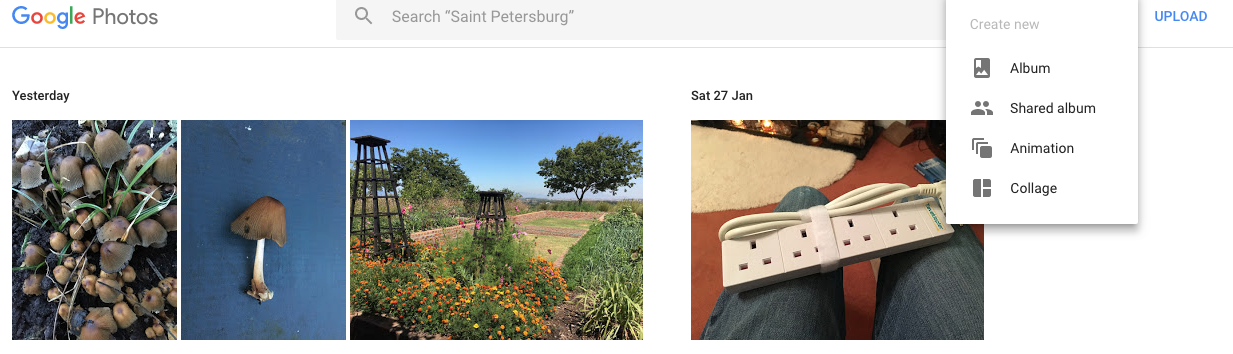
… I need to select Create, then Album and click on the photos I want to put in the Album …

… and click on Create and give the Album a name …
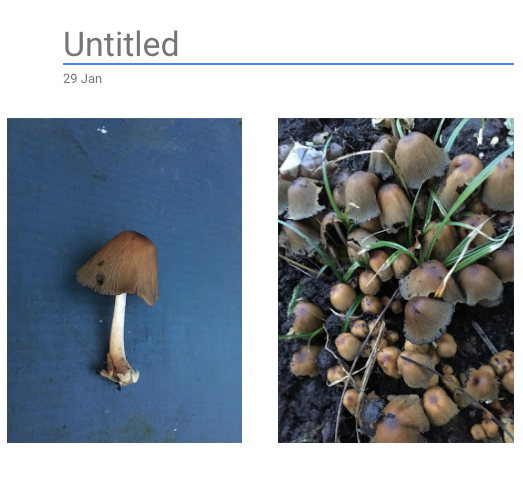
… in this case I’m calling the album “Common Inkcap” and then click on the Tick in the top left-hand corner of the screen.
Now I can Share the album using the Share icon in the top right-hand corner of the screen, and clicking on Get link …
icon in the top right-hand corner of the screen, and clicking on Get link …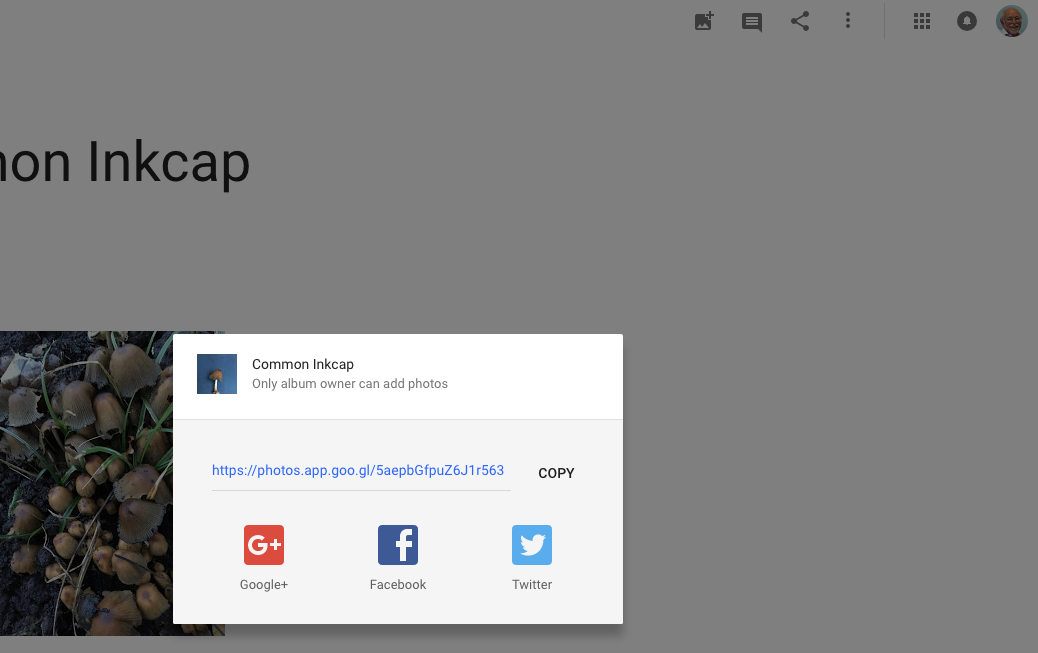
… and after clicking on COPY I can email the link to the album to anyone, or if you’re a Google+, Facebook or Twitter user I can share a link to any of those social media sites.
At another time, you can change the Sharing options from the More options  menu in the top right hand corner of the screen …
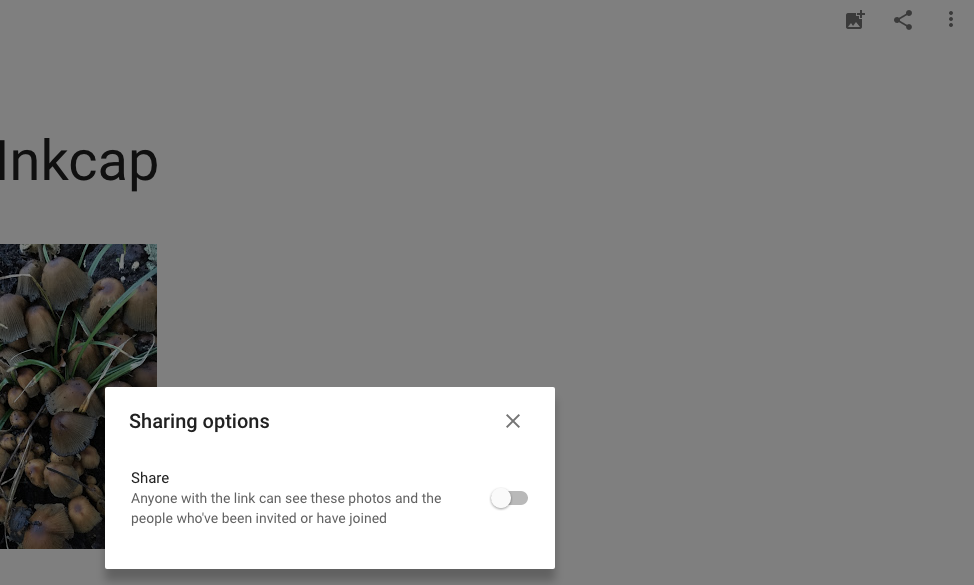
… and click on the slider to let others if they have the link to see the album, and you’ll see a screen like this …

… and you can choose how others will interact with your album, but that’s for another day.
In case you’re interested here’s a link to the album