
Boot-up
Email problems – two members do not like the new gmail interface. They advised the Group that even though they could revert back to the old interface, this would be removed shortly. It was suggested that they read their Gmail through a mail client on their device. This would be called Mail for iOS and MacOS (Apple) devices, and through Outlook on Windows devices. Just set up the Mail client to pull the mail down from Google. Instructions follow.
Use of Security Programs such as McAfee or Microsoft Defender. For users like us who are unlikely to play games, and know how to avoid scams, and are easily frightened off installing any strange software on our devices – it is certainly a good strategy to use Microsoft’s Defender progam which is part of Windows, rather than paying for anti-virus and security software. Always be mindful that downloading programs from the Internet has an inherent risk. Research the software before you download and install it just using a search term like “<software name> malware security”. Read the posts that come up and make your decision based on those reviews.
Online banking. One member was having problems reading online statements and balances linked to from an email. My advice was to go to the bank website, or use their app, rather than try and open a link in the email, or read text in the email. Distrust mails from banks anyway is good advice (Ted). They’ll always contact you again if it’s important.
Office applications (free). A member asked the question whether they should purchase the Office 365 suite – initially offered for free after buying a machine. Generally my advice is no – don’t purchase Office, unless you really have to. It’s just too bloated and is geared towards corporate use. The Google suite of apps is free, and the file formats are compatible with Microsoft as they use a common Open Source standard (Open XML). Another option would be to use Microsoft’s Office Online, which will work as long as you’re connected to the Internet, or alternatively to install LibreOffice on your device. Both of these also use the Open XML format to store the document, so one saved in one applications, should be readable in another..
Feed-back on using Evernote with Calendar. I posted a Comment under the Meeting Notes which gave a link to the following integration that Evernote has with the Outlook calendar – https://help.evernote.com/hc/en-us/articles/208314168-How-to-integrate-Evernote-with-your-calendar
If you want to integrate Evernote with any other calendar you may have to use IFTTT – which I’ll come back to another day!!!
Meeting – 11th October. Ted Richards will be the Convenor of the Group that day and will be looking at Family History software.
News
Twenty years of Google.
Google proposes data protection legislation!!!!
How to check the health of your Windows 10 PC (and keep it in shape).
How safe are you online? 10 Questions to ask yourself.
All this and more in the Thought grazing magazine (on the Home Page)
How to use “Thought grazing …”
Browsers and Search Engines
There is still confusion over what an internet browser is. It’s the software that you can use to “surf the web”. There are a number of browsers around.
The first (in 1993) to gain widespread use was called Mosaic, which then was re-badged as Netscape Navigator when the developer broke away; it then morphed into Firefox, as it changed ownership from Netscape (the company), through AOL, to Mozilla. Essentially it is open source software financed through making Google it’s default search engine. [For a while it was financed by Yahoo when Yahoo had its own search engine.] You can download Firefox (safely) here.
Microsoft launched its Internet Explorer (in 1995) – it caught on to the internet rather late – and replaced it with Edge with the release of Windows 10.
The next entrant was Apple’s Safari in 2003 – up until then they’d been supporting Netscape – and they have stopped providing a Windows version now so that it’s only available on Apple devices.
The final and most successful browser (nearly 66% adoption) is Google’s Chrome browser. It was developed from an Open Source project called Chromium funded by Google to provide the code-base for Chrome. It continues as a separate browser on Linux, and forms the basis of a number of other browsers such as Opera and Brave, which is what we will discuss next.
In the post about Google and the difference between the Google app, on your smartphone, and the use of an internet browser such as Chrome (from Google), Firefox, Safari, Edge (or Internet Explorer, from Microsoft) I mentioned that I was using Brave. As I suspected, Brave is financed in crypto-currency, with an opt-in model for advertising that the user wants to receive. A subject for another day?!?!?
So let’s download it and set it up …
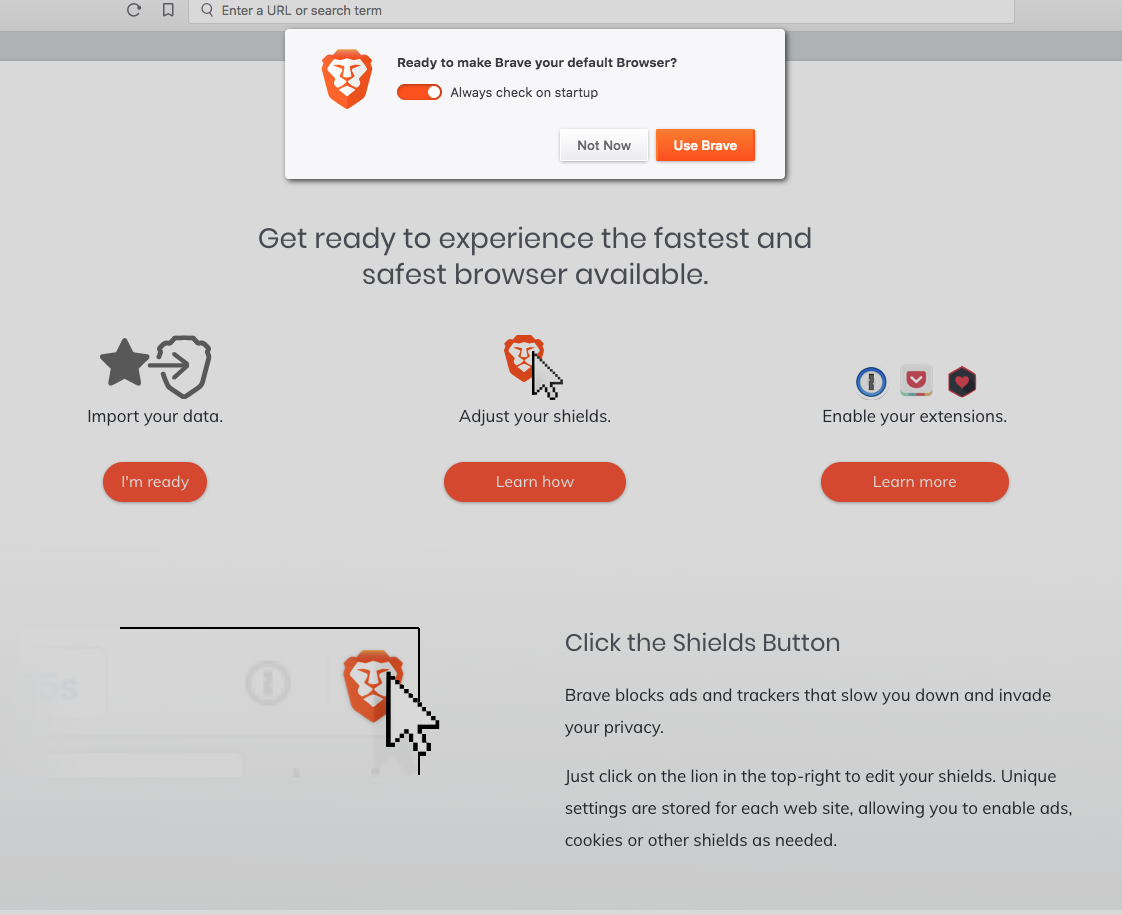
I referred to alternative search engines in the article – eg DuckDuckGo and I am now using and testing that extensively. The combination Brave + DuckDuckGo is faster, does not track where I go – thus no annoying ads; there is an ad blocker built-in and pop-ups are prevented as well.
DuckDuckGo earns revenue by serving ads from the Yahoo–Bing search alliance network, and through affiliate relationships with Amazon and eBay.
Spread the word – if you like it, or learn a little more if you’re contemplating doing the same as me by looking at How to live without Google.