
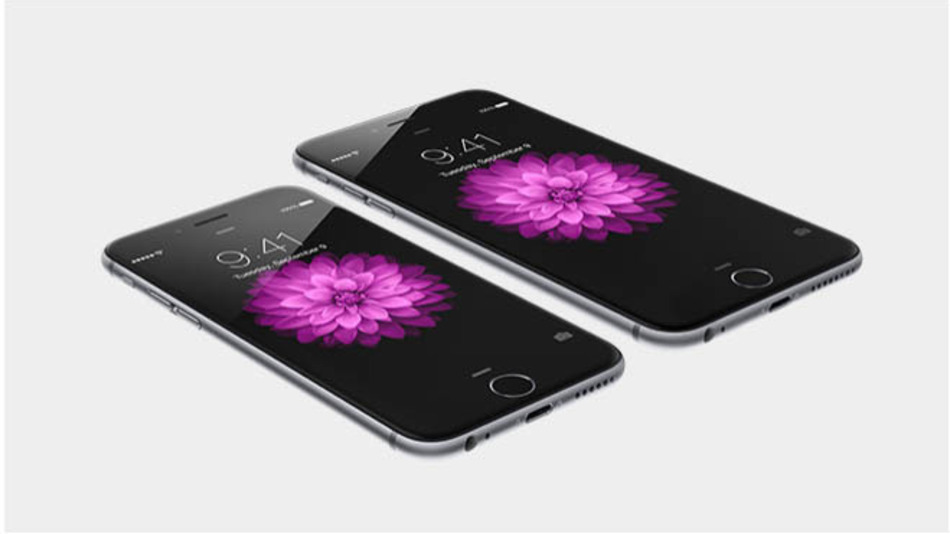
{with apologies to Jon Landau and Bruce Springsteen}
I struggled through the streaming of the Apple event on Tuesday evening. First I had to contend with a superimposed voice channel which made it very difficult to follow what Tim Cook was saying, then it just kept dropping out. So … not much of an opportunity to take it all in until the next morning when I watched the event from start to finish and had the chance to try and put it all together in my mind.
Who would want such a huge phone that needs a feature to slide the window in reach of your thumb for single hand use? What’s the chances of Apple Pay being available to use this side of the Atlantic this year, or even next year! Could I ever justify having an Apple Watch?
 Well … give yourself a few days and a few things begin to drop into place. Some reviews have slated Apple for requiring the Apple Watch to be paired with the iPhone, but it all starts to make sense when you think of the Watch being the input/outut device for the iPhone which becomes the computer in your pocket/bag, whatever – only brought out when you’re sat down comfortably and can benefit from its increased screen real estate. Even the new landscape mode on the 6 plus begins to make some sense when you think of it being used this way.
So I expect to see increased attention being paid to the development of wireless designer earphones/microphones to complement the iPhones which you’ll see less and less of; activated by the Watch which might increasingly be worn facing inwards so that it can be held up to your mouth so that you can speak to Siri. [By the way will there be an Apple Watch to fit on the right wrist???]
 Apple has designed them as a pair – they are meant and designed to work together. The Apple Watch will not only open your hotel door (as demonstrated) but will be the device you use for Apple Pay. The next step will be the Apple Broach (masking as a microphone), the Apple Earring (masking as a headphone), the Apple Shirt/Blouse – that has headphone and microphone built into them. Yes … I can see it all – last Tuesday I saw technology future and its name is Apple Watch.