Why I’m bothering with this post, I’ll never know. However, I know of at least one other person considering what to do when his iPhone 4s goes “end of life” this autumn and I guess there’s probably plenty of others. So this is just a “state of the Apple nation” post – where I am, what I’m thinking of, what needs to be done, and what can/should be done in an area where Apple never makes long-term decision-making easy.
So why the shiny MacBook as a featured image? Well … I’m betting on that being the future for Mac’s portable laptop range, so it needs some serious consideration as a replacement for Jenny’s aging (well, mine actually) 7+year old MBP. Even though we didn’t do the Yosemite upgrade it’s running slow, and now with Jenny’s increasing interest in photography and using Lightroom, a replacement needs to be considered. So … she could have my mid-2012 MBP which is still screaming along and has just had a battery and top case (keyboard) replacement following the expensive coffee-spill episode, and I could take on a new MacBook … couldn’t I?
It’s got a lot going for it – light, retina-display, fast storage and sufficient RAM – and then it’s got a single USB-C port! Where did that come from? Thunderbolt and Lightning, very, very frightning. Out with the old, in with the new – this could very well be the future of expansion ports, and the demise of Apple’s proprietary ports. Well, actually the opposite. Apple appears to have invested in USB-C and made it a standard – it’s already to be found on Google’s Chromebooks and no doubt more will follow. The exciting thing (to me) is that it means that the accessory market, and the third-party hardware solutions will be opened up and Apple has acknowledged that by controlling the patents on the standard, it doesn’t need to control the interface. The accessories (like this USB-C hub) have already started to be advertised.
So in a nutshell – USB-C appears to be “a good idea”. One of the first accessories made available is this little beauty – the snapily titled USB-C Digital AV Multiport Adaptor. I quote from the website …
“The USB-C Digital AV Multiport Adapter lets you connect your MacBook with USB-C port to an HDMI display, while also connecting a standard USB device and a USB-C charging cable.
“This adapter allows you to mirror your MacBook display to your HDMI-enabled TV or display in up to 1080p at 60Hz or UHD (3840×2160) at 30Hz. It also outputs video content like films and captured video. Simply connect the adapter to the USB-C port on your MacBook and then to your TV or projector via an HDMI cable (sold separately).
“Use the standard USB port to connect devices such as your flash drive or camera, or a USB cable for syncing and charging your iPhone, iPad or iPod. You can also connect a charging cable to the USB-C port to charge your MacBook.”
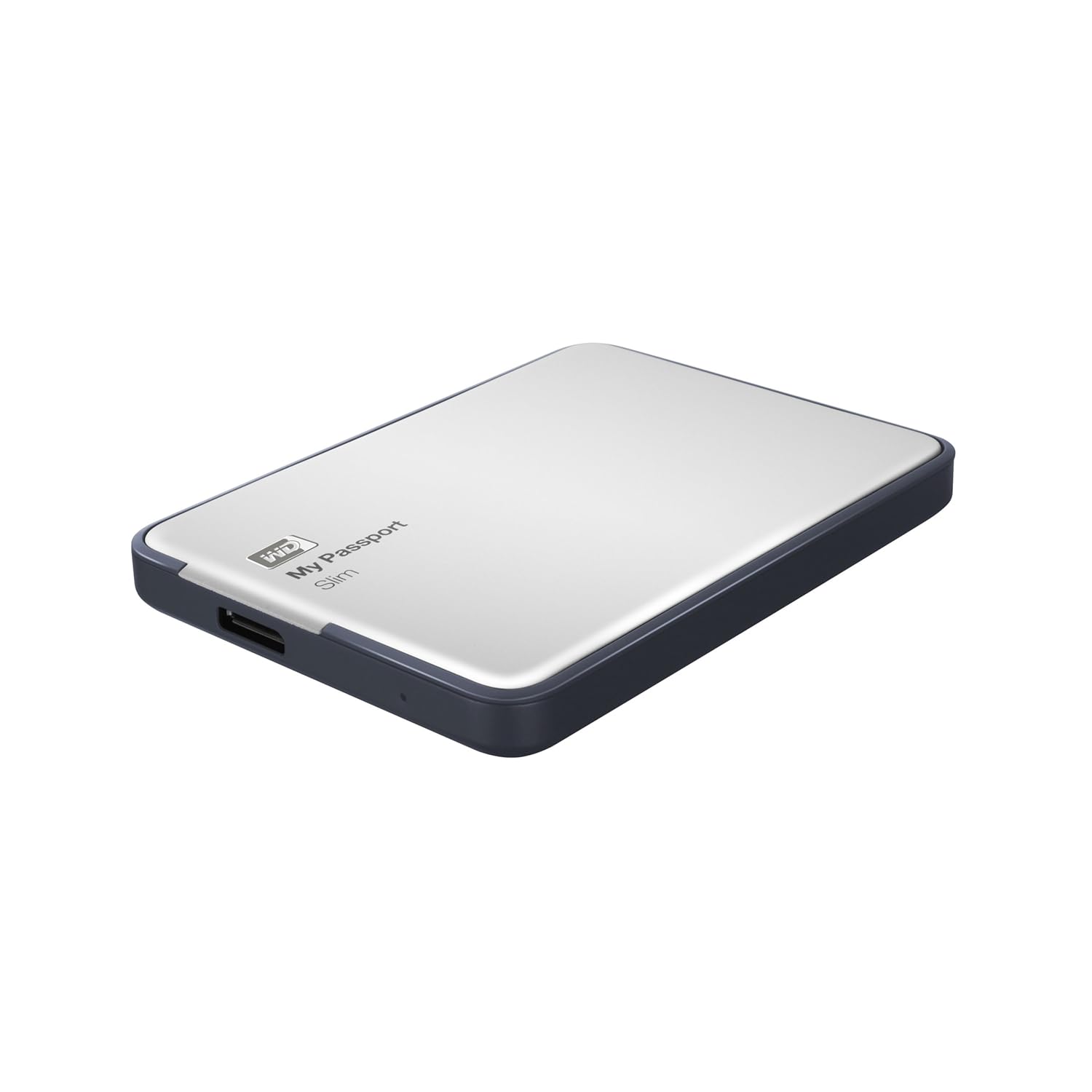 This means I can have my external USB-3 WD My Passport Slim disk connected, with a charging cable all through a single port. I could even mirror the display to a TV at the same time – if I wanted to. That’s really quite neat! But then again this battery-powered WD My Passport Wireless with SD card drive is really itching to join the “Just thoughts” household – but I’ll leave that for another post!
So why am I getting excited about an expansion port, and what on earth has that got anything to do with an aging iPhone 4s, or indeed the equally aging iPad 2 I have, which I mistakenly upgraded to iOS 8; something I didn’t do to the iPhone 4s … thankfully, because the iPad is really painfully slow at times.
Well take a look at this set of rumours about an iPad Pro (or Plus) with a USB-C port and perhaps a stylus. I think that every Lightroom useer who’s interested in photography welcomed the arrival of Lightroom Mobile, but with my old iOS gear – it’s just not practical to consider using it. So … an upgrade to the iPhone/iPad must be on the cards, just from the photography side of things – even if they weren’t both about to go “end-of-life”. If an iPad witha USB-C port is launched that could be a really good alternative to a MacBook for Lightroom on the road, so to speak.
However … will the iPhone 6s (or 6s Plus) also have a USB-C connector replacing the Lightning port. Could I therefore consider not replacing the iPad and instead have a MacBook and iPhone 6s – now that might be very nice, and you can see where my thoughts are going … can you see any reasons why that’s not a good strategy, given that I have the iMac for my serious Lightroom work.
It all depends on USB-C you see!
[Update: A recent announcement that Apple is seeking to unify the USB 3.1 and Thunderbolt ports with its new USB-C port which is not available on the new MacBook …
“Because Thunderbolt 3 is compliant with the USB-C standard and USB 3.1 specification, the cabling will also simultaneously support DisplayPort 1.2, third-generation PCI Express, and power supply for recharging notebooks at up to 100 watts.”
Also …
“The next generation of the high-speed Thunderbolt specification was announced on Tuesday, ditching the legacy Mini DisplayPort connector for the new smaller, reversible USB-C standard, and offering transfer speeds of up to 40Gbps with high-end cables.”]