Recent discussion in U3A has been on what role a Group Convenor should have in case of emergency. It’s a difficult one, I haven’t fully resolved in my mind what responsibility I should have – I think it’s one that’s worth discussing. Should I, can I request that information be lodged with me? Should the group member provide it to a membership record on a database system that the Convenor can access? Or, should – and this is the purpose of this post – the individual take the responsibility upon themselves. This can be done by either carrying a card – this one is used by The Ramblers – there are many providers of this sort of card, eg ICEcard, or should we use the facilities on our Smartphones which allow access without unlocking the phone from the Home screen.
Category: TG@u3a
Some of my posts on the Cardiff u3a Thought grazing site (from 2020) are duplicated here.
-
Sharing an image (or album) from Google Photos
To finish off this series of posts on using Google Photos, this post complements the email that I sent out to the Cardiff U3A Computer Group which encouraged them to do some “homework” and share a photo stored in Google Photos with me.
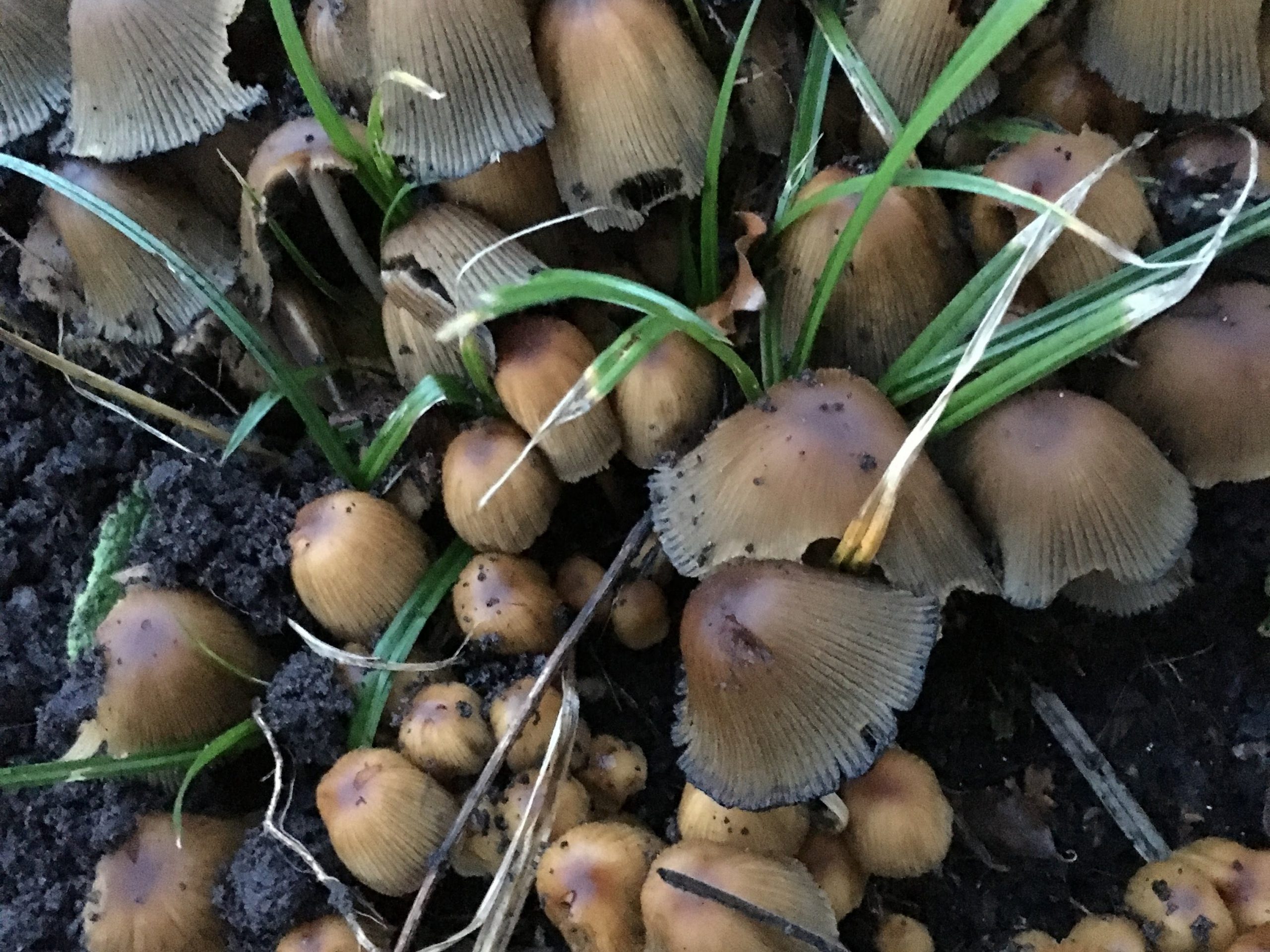
This post uses a couple of photos which I took this week of some toadstools that had appeared in our garden after the heavy rains we’ve had this month and which Jenny was worried might be Honey Fungus. I took them to achieve an identification – which I hope I’ve got right!From my Google Photos desktop I can see this …… I need to select Create, then Album and click on the photos I want to put in the Album …… and click on Create and give the Album a name …… in this case I’m calling the album “Common Inkcap” and then click on the Tick in the top left-hand corner of the screen.Now I can Share the album using the Shareicon in the top right-hand corner of the screen, and clicking on Get link …
… and after clicking on COPY I can email the link to the album to anyone, or if you’re a Google+, Facebook or Twitter user I can share a link to any of those social media sites.
At another time, you can change the Sharing options from the More optionsmenu in the top right hand corner of the screen …
… and click on the slider to let others if they have the link to see the album, and you’ll see a screen like this …… and you can choose how others will interact with your album, but that’s for another day.In case you’re interested here’s a link to the album