Author: David

  • Port Eynon to Nicholaston Farm

    Port Eynon to Nicholaston Farm

    Our second day on The Gower, I awoke quite tired, but not as tired as poor A&A because their lilo had developed a puncture! They went off to Swansea to get a new footpump, having repaired the bed. Luckily, that was to prove a success, otherwise we’d have had to abandon the trip. So with the weather gloomy again, but with the promise of a better afternoon, we decided to put off our walk until after lunch which we had in The Ship at Port Eynon.

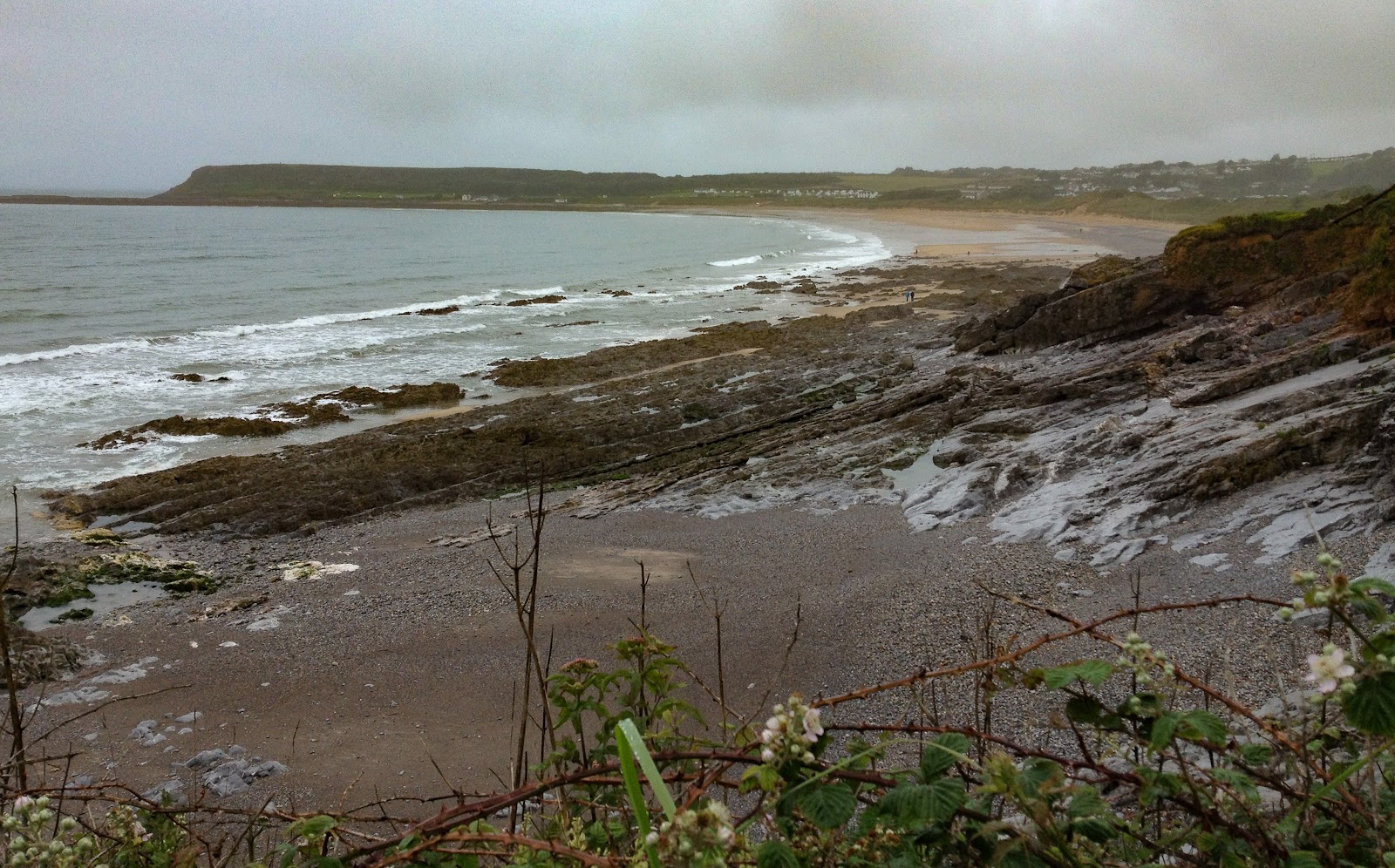
    Alec has a thing about walking on sand. So although the WCP went behind the dunes between Port Eynon and Horton … we had to walk along the sand. Much grumbling and moaning from me – I hate walking on sand. We soon got beyond Horton however and enjoyed the low-level cliff walk looking down on the wave-cut platform and with me in my element describing solifluction terraces, periglaciation and abandoned cliffs. I may have ended up in computing, but my heart and mind has always been that of a geographer/geologist!
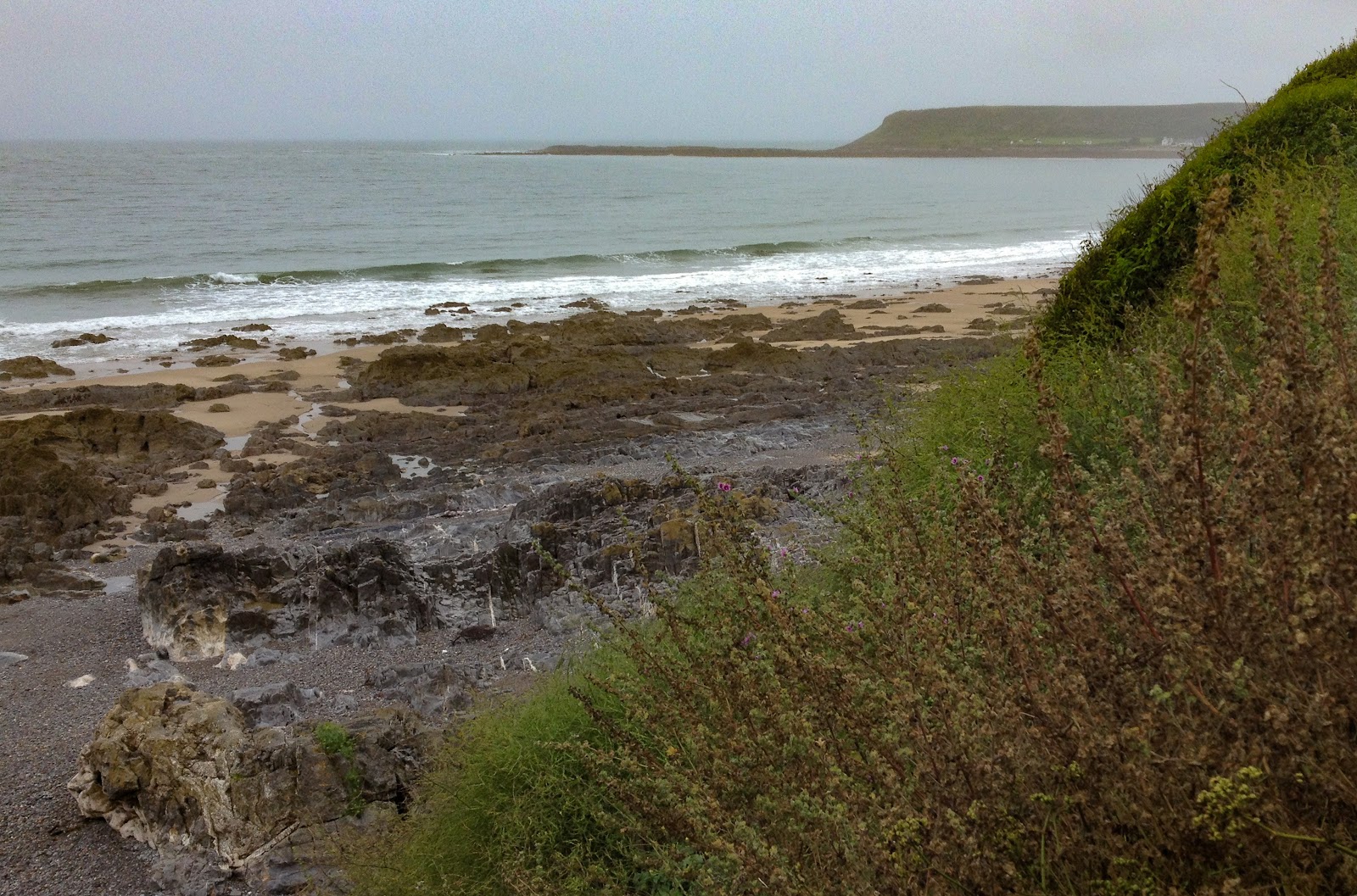
    Gower (13 of 33).jpg

    Looking back towards Port Eynon …

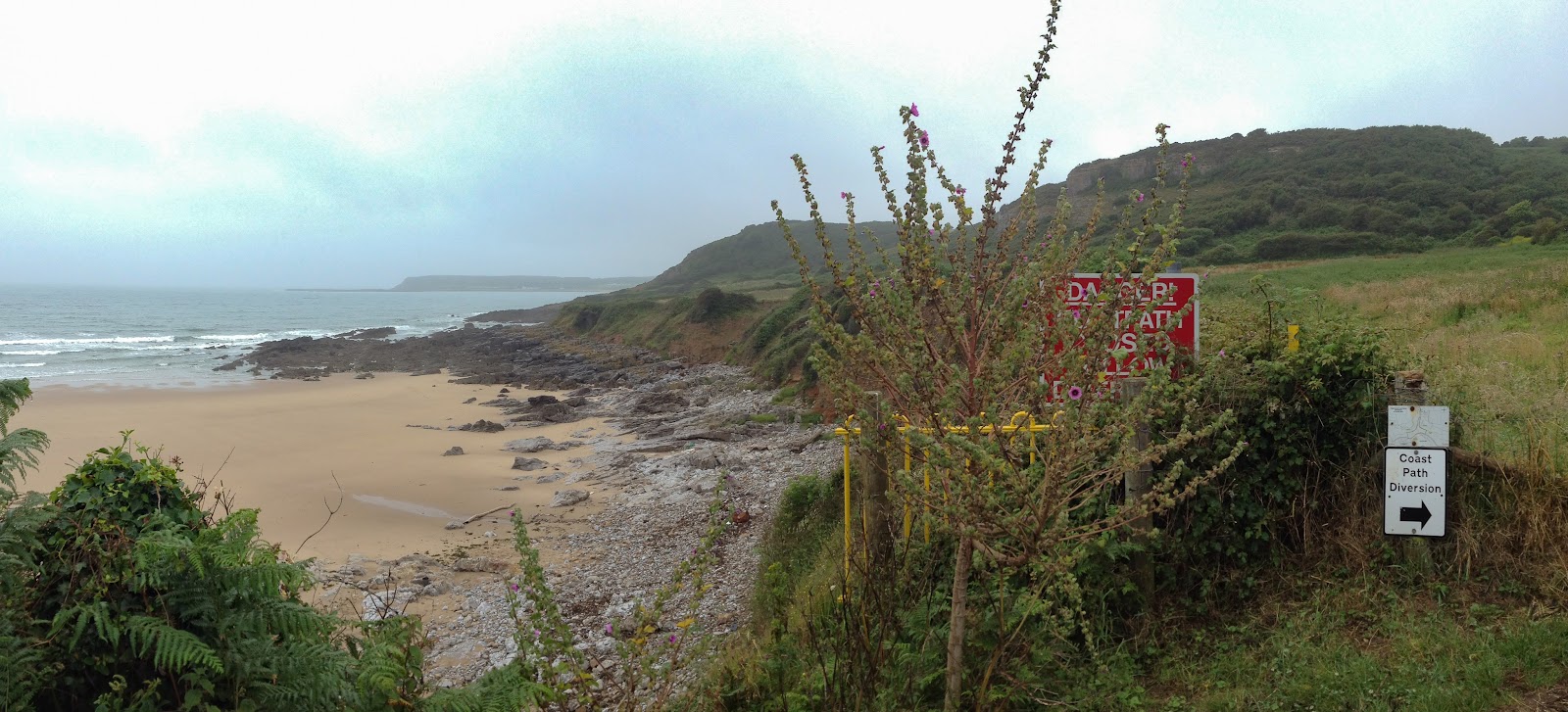
    Gower (14 of 33).jpg

    … and the WCP diversion near Slade where the path has slipped into the sea.
    Gower (15 of 33).jpg

    We were then not far from Oxwich and then the drizzled came down, heavier and heavier by the minute! We just had to stop at the Oxwich Bay Hotel to get some respite (for me – Doom Bar). We had a great chat with a couple from Northern Ireland who were camping nearby and if we’d had transport outside would have quite happily stayed there longer than we did. But we had to get across Oxwich Bay and the stream at it’s eastern end …
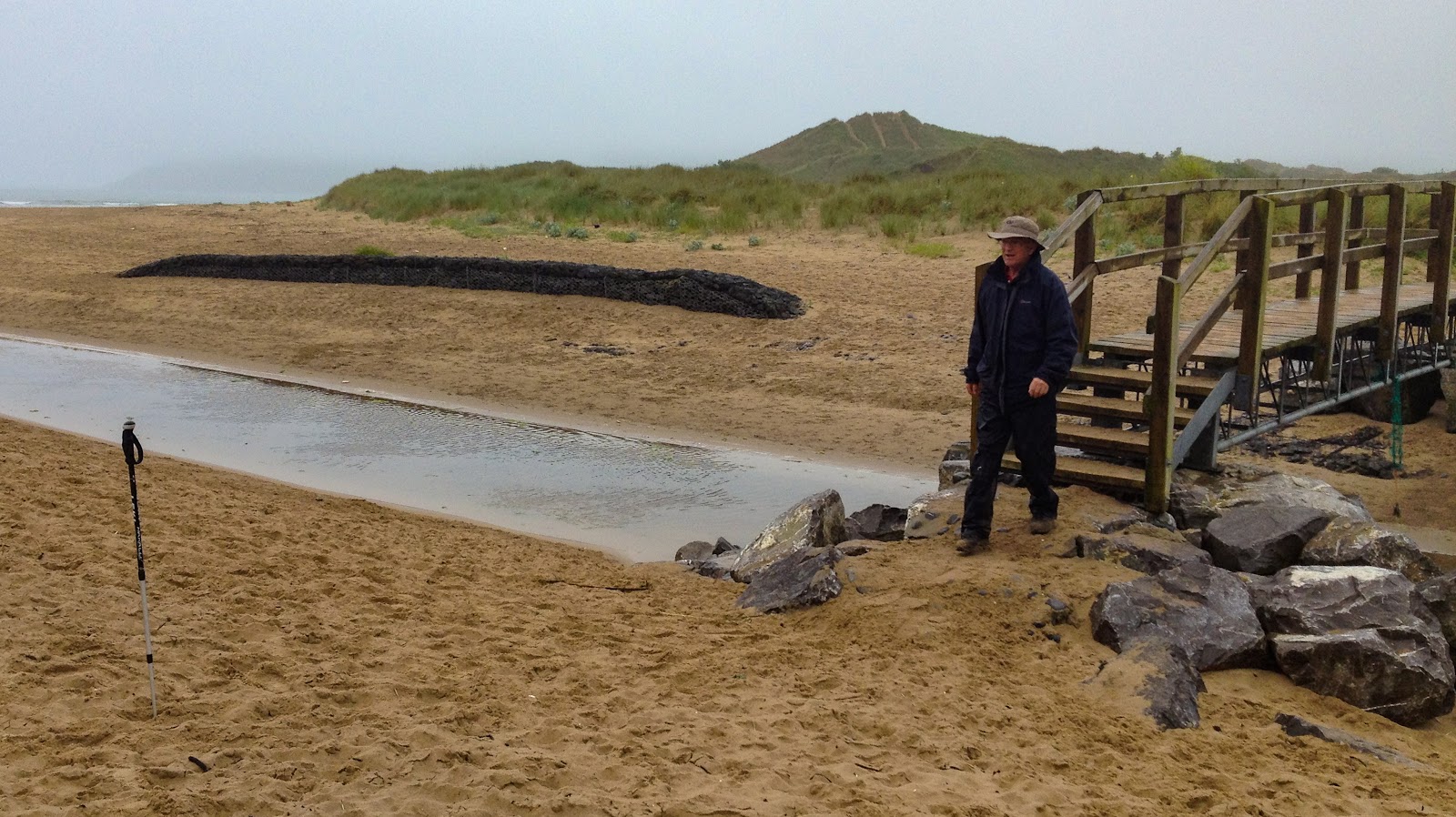
    Gower (16 of 33).jpg

    … before tackling Nicholaston Burrows which thankfully were not as exhausting as the ones at Penmaen the day before. Once again we enjoyed the wildflowers at the end of our 7 mile walk …
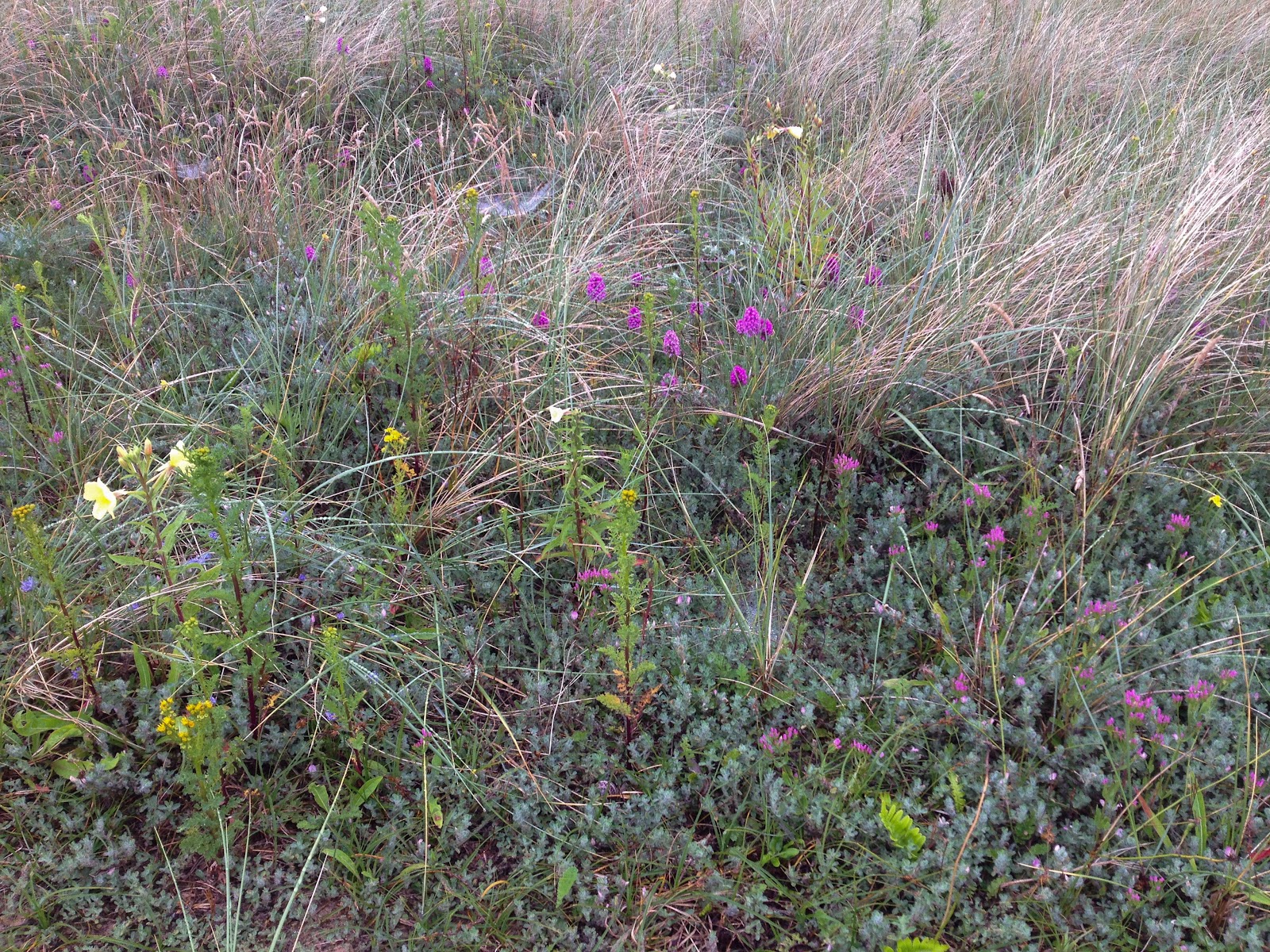
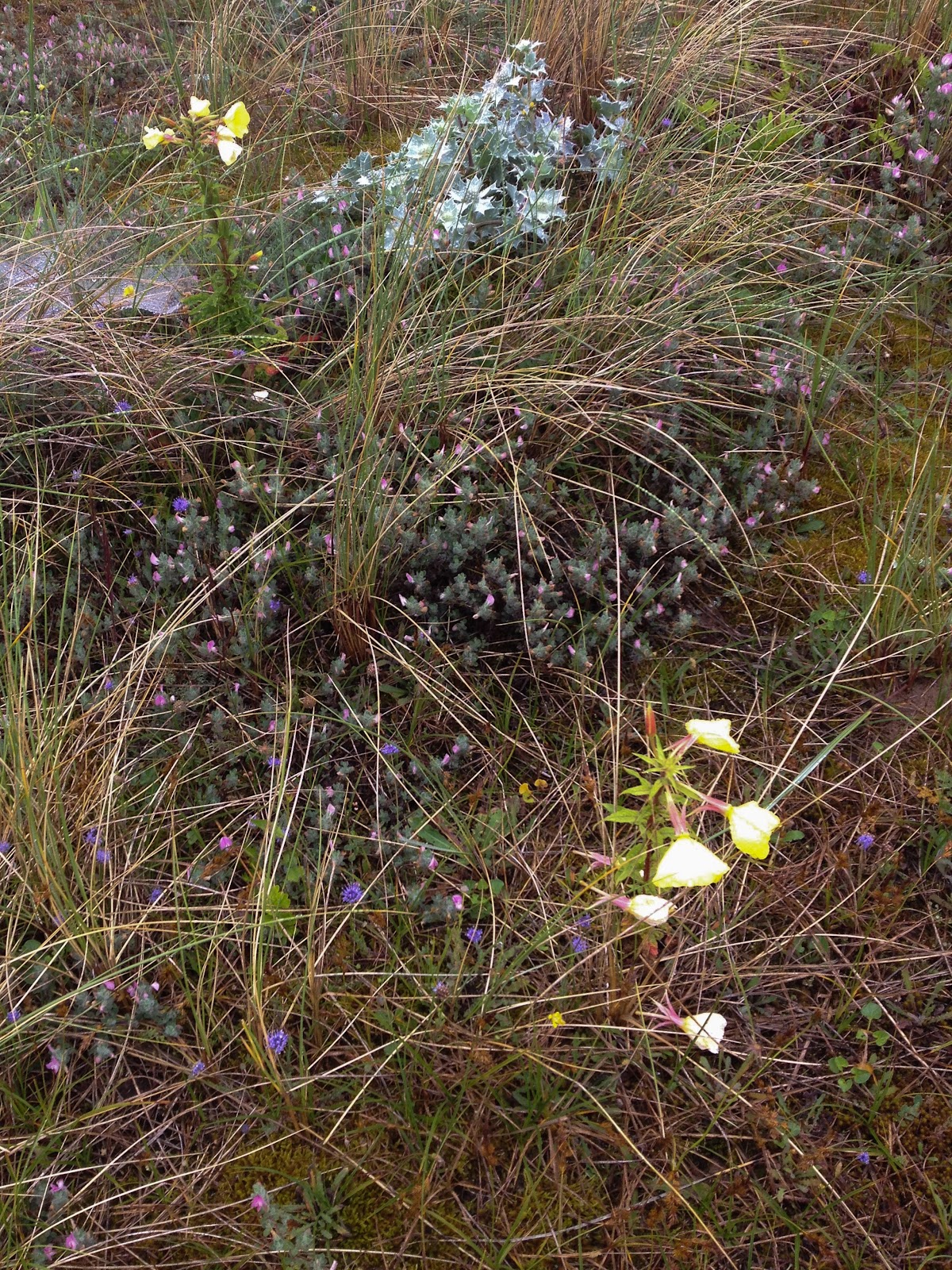
    Gower (17 of 33).jpg

    Gower (18 of 33).jpg

    … but I, for one, was very pleased to have a lovely warm shower and dry out after climbing the hill to the campsite, before settling back for another lovely evening of food and drink.
  • Google Photos – some observations

    Google Photos – some observations

    I’m following up my previous post with some notes based on using Google Photos for a couple of days of testing and observation. This will lead into some thoughts on how I will use it, and what I need to do to make sure the Workflow is “right” for me. This might also be relevant to others, especially those using both DSLR and Smartphones, so I’d welcome comments.

    The first thing to mention is that My Drive > Google Photos and the separate Google Photos menu item on your Google Drive are not the same! This is reflected in this note which advises you not to use Google Photos Backup (from your Desktop) and the sychronised My Drive > Google Photos  local folder at the same time.

    What this means in practice is that if you have a Workflow that involves placing an image in your local Google Photos folder to sync to your My Drive folder on Google Drive for sharing, or for embedding in a blogpost (like the tasteful one above taken during the testing 😆 ), then you probably shouldn’t use the Google Photos Backup application.

    What does this mean then? Well a couple of observations.

    1. Google Photos is a good repository for images taken with Smartphones; it’s painless, quick and ensures that if you have auto-sync switched on in either your Google Photos app, or in the Google+ app (for iOS 7, or earlier) that you have a safe and secure home for your images which will have lots of other advantages. read this excellent review by Mike Elgan for further information.
    2. If you’re a DSLR camera user then you have to think carefully whether you want to use the Google Photos Backup application on your desktop.
      1. If you don’t use any other Image Editing software then it might well be a good idea – setting the Image Quality probably to High (so that you don’t use any of your 15Mb of Free Storage) and following the guidance in the note referenced above about excluding your My Drive > Google Photos from your Google Drive synchronisation, if relevant.
      2. If you’re using something like Lightroom to post-process your images then it might be better to use the export options in the software to copy an image (or collection of images) from the software to your My Drive > Google Photos folder to sync up to Google Photos  and then on for sharing from either your desktop, or your mobile device a little later, and not using the Google Photos Backup application.
    3. Luckily none of the decisions you make now are irreversible, but a bit of careful consideration now may mean that you have the “right” workflow for your needs. For me as an iPhoneographer and DSLR camera user I’m happy to let Google Photos now be my Backup and Storage Solution of choice for the iPhone (see 1 above), but because I’m also a Lightroom user I’ll not use the Google Photos Backup application. Moreover, having made this decision it means that I can, if I chose, Import any images taken on the iPhone into Lightroom for post-processing, meaning I don’t clutter Lightroom up with images I don’t really want to keep.

    Any thoughts?