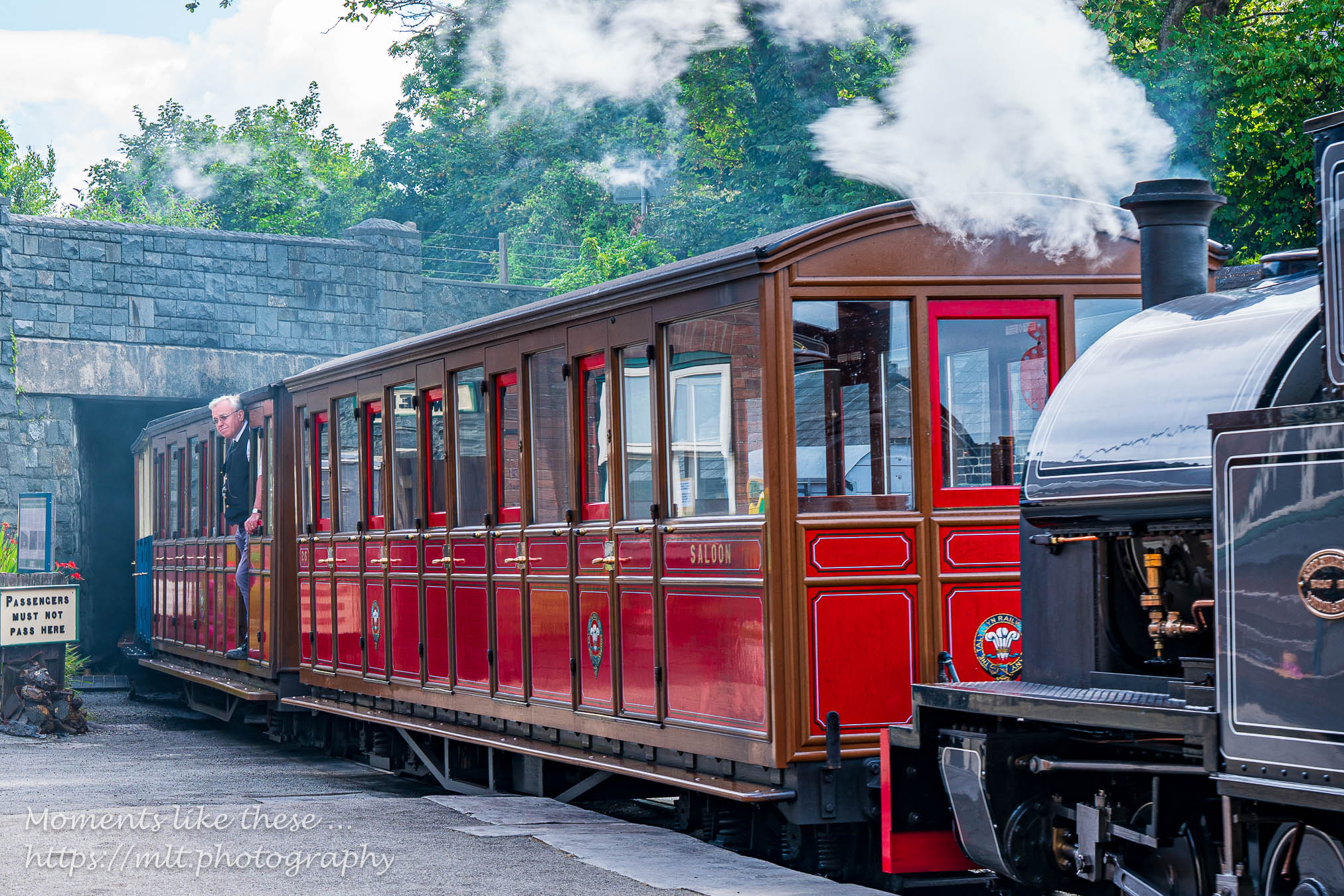
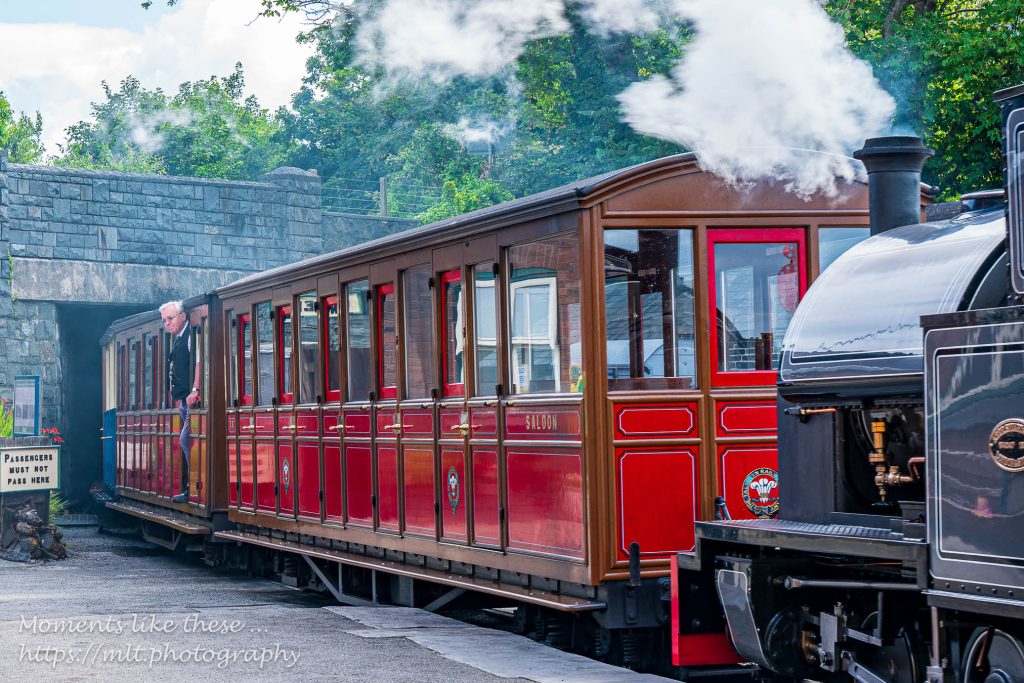
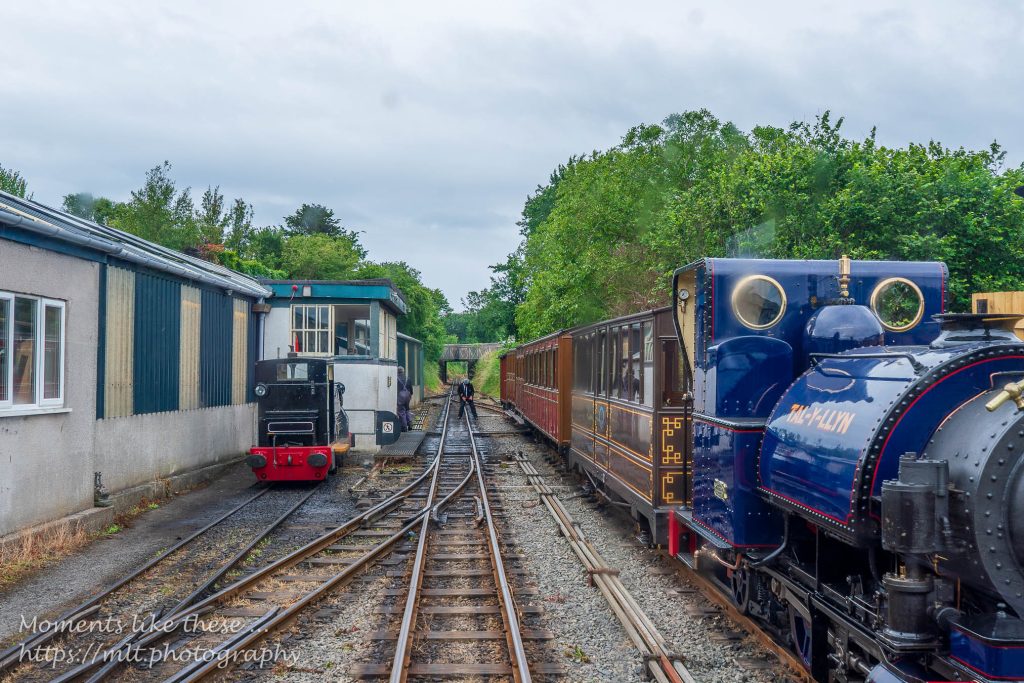
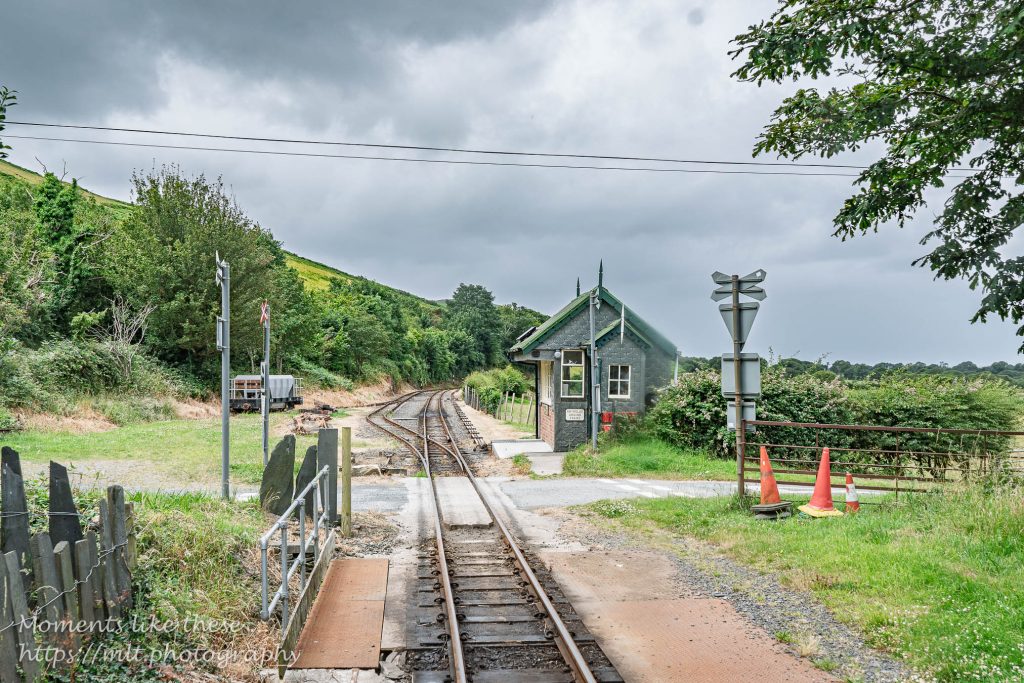
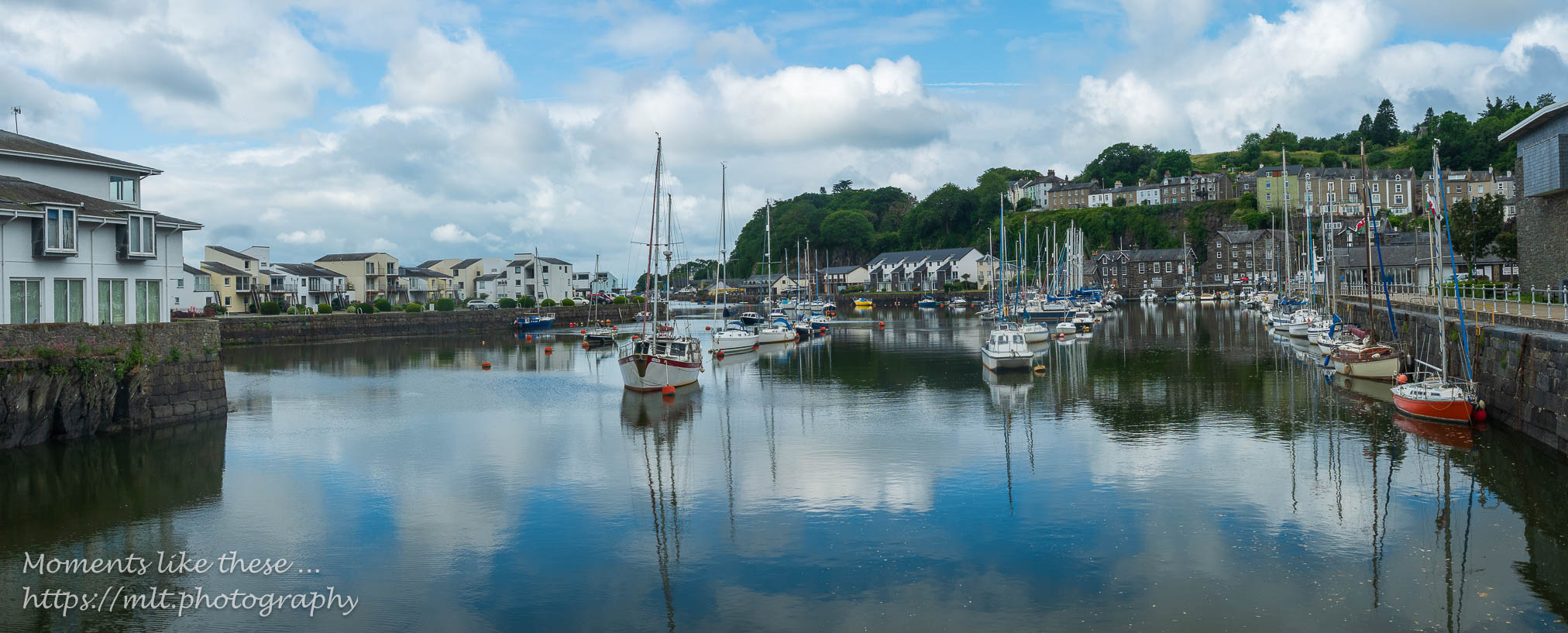
The Talyllyn Railway was the very first preserved railway and set the way for so many others to follow. It has an excellent museum explaining the whole concept of narrow gauge; not just on this line but everywhere and details the history of the endeavour and how Rev William Awdry was an important participant and how his involvement led to the Thomas the Train Engine books.
They are a very friendly bunch, take their roles very seriously (they are mainly all volunteers), but it has to be said the views from the train were not as exciting as say the Vale of Rheidol which I knew well. I’m glad I visited, but I doubt whether I’ll go back again.
Here’s a Gallery and a short video of the return trip and some clips of the continuing journey on The Cambrian Line – especially a sequence crossing the Mawddach estuary at Barmouth …
If I was to be honest, this day was what the trip was all about (apart from the T1 bus ride of course!!). Ever since I became aware of the track laying for the WHR a few years back, I marvelled at the endeavour and hoped one day to be able to ride from Porthmadog to Caernarfon through Eryri.
The day started well. I got into conversation with a nice lady who advised me on the choice of a cafe (the Port) where I could get a coffee and croissant near to the station. I had decided after my supper the previous evening not to take breakfast at the Golden Fleece. The bus came promptly, and to time – I’d only had to walk about 100m to get to it, and within 12 mins I was in the cafe having a very nice Flat White. The croissant could have been better though. It was then just a short walk to the station and plenty of time to look around the shop, watch all the comings and goings of trains, shunting carriages around and the like and generally get in the mood for the trip ahead.
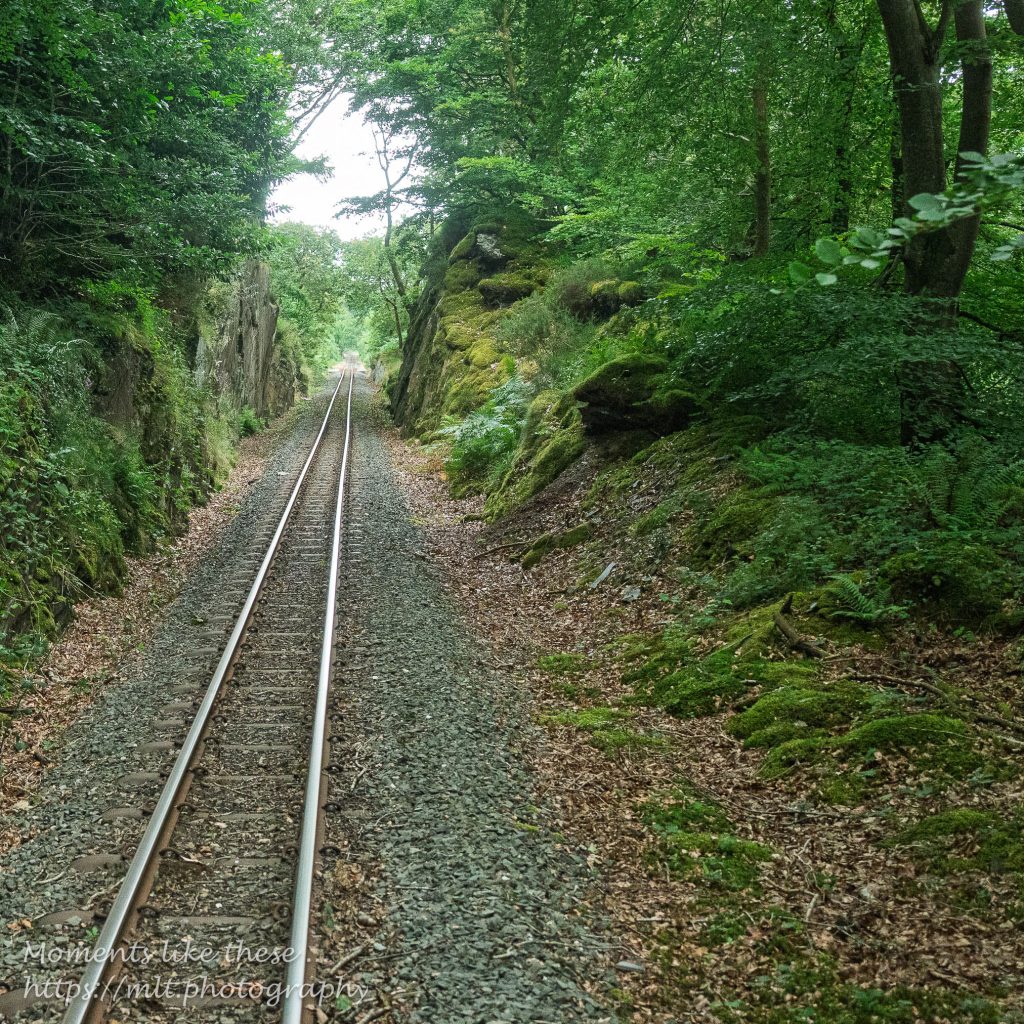
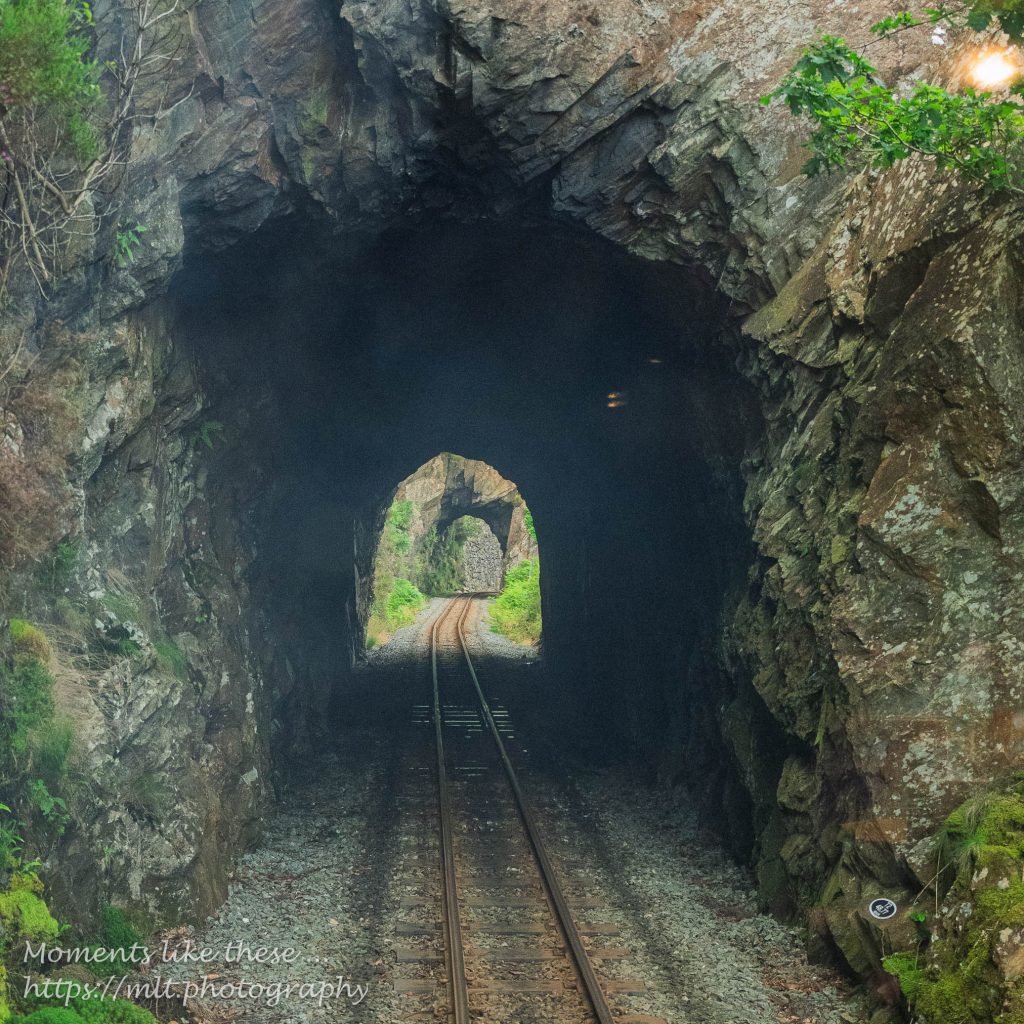
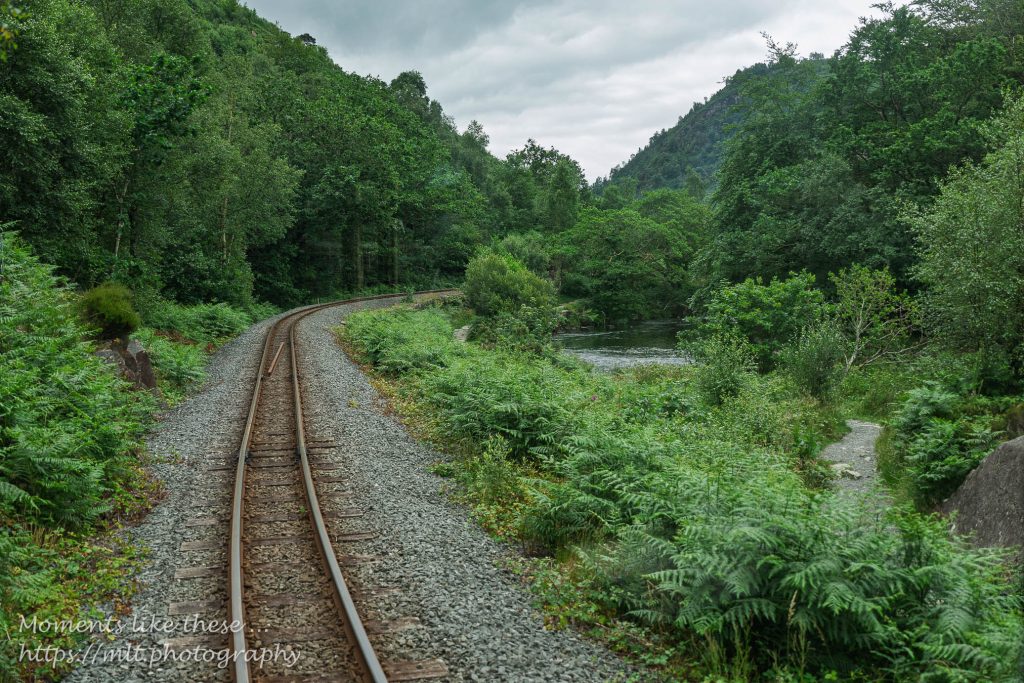
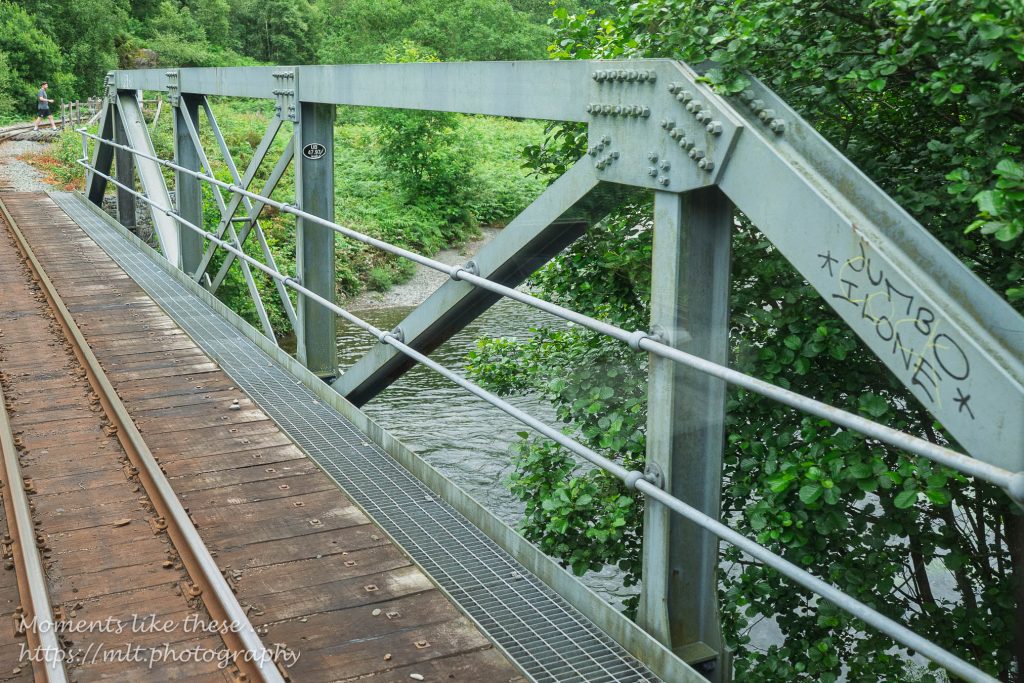
The Welsh Highland route starts from the quayside station for both this and the Ffestiniog Railway in Porthmadog, crosses the main line track and then hugs the west side of the Afon Glaslyn giving extended views over Traeth Mawr towards the mountains of Moelwyn Mawr. As the valley narrows the track passes through a tunnel before following and then crossing the cascading river up to Beddgelert, where the train stops, but unfortunately not long enough to alight and take photos.
From Beddgelert there’s a steady climb up to Rhyd-Ddu with some sharp bends as the track follows the valley side of the Avon Colwyn up past Llyn-y-Gader. A short stop at Rhyd-Ddu (a passing place) and we follow the valley side above Llyn Cwellyn to the Snowdon Ranger station – a request stop for walkers who want to climb Yr Wydffa.
From here the descent to Caernarfon begins alongside the Avon Gwyrfai, past forestry, through Betws Garmon and Waunfawr before turning sharply west towards Dinas – the former junction of the mainline that went south to Criccieth. From there the line uses the old disused trackbed to make its way to the quayside, and the station complex at Caernarfon.
[You should be able to enlarge the maps to examine detail which unlike my printed maps do show the line of the railway!!]
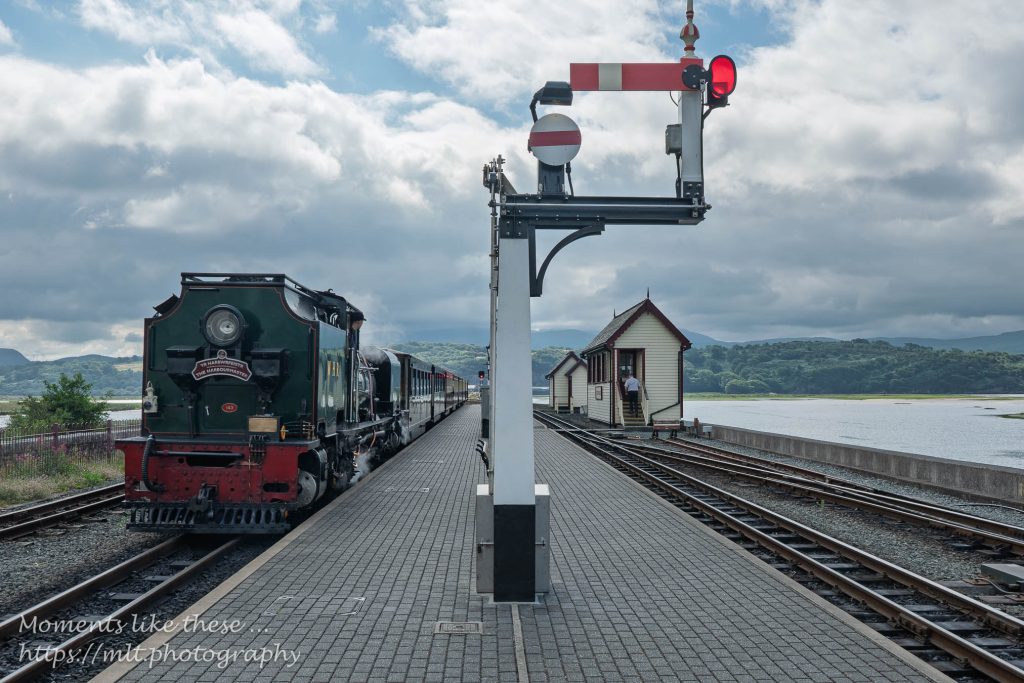
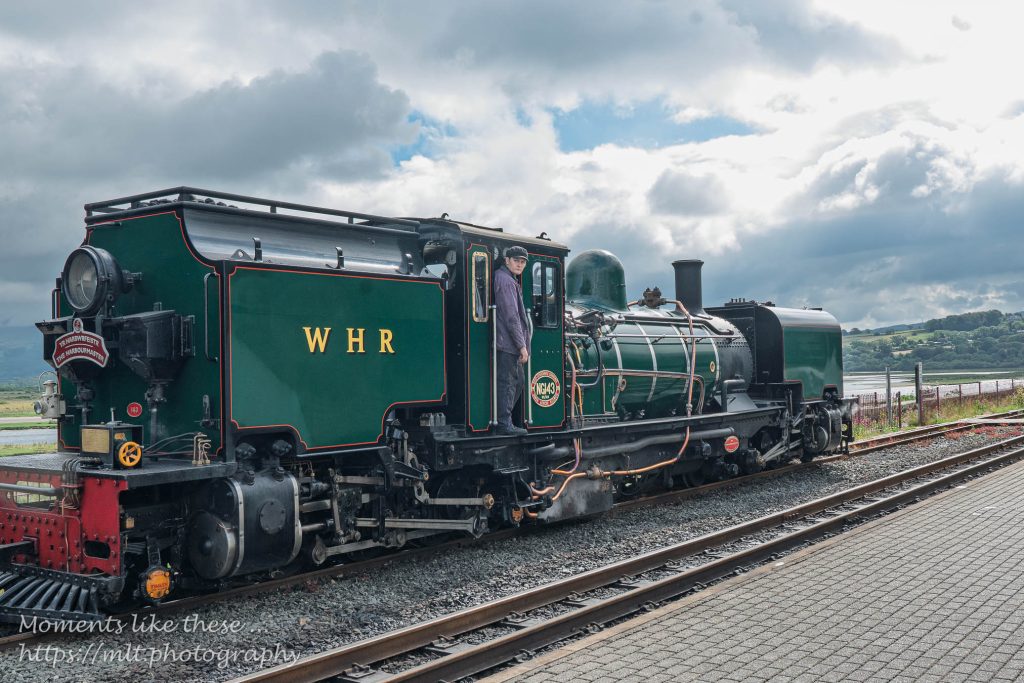
The engine that pulled the train was one of two that had formerly been used on narrow gauge railways in South Africa. This one had its livery changed to WHR Green – the other one was still in its original black as you can see from the photo taken at Waunfawr station.
I soon realised an alternative use for my camera lens cleaning wipes – to clean the smuts off the window. I was fortunate to have got myself in the back carriage of the train for the journey to Caernarfon and along with a German tourist we swapped sides and lent out the windows to take our photos.
The images above are a collection of very many taken on the trip and include the last four taken on the way back. As I was not in as favourable seat for the return journey I decided to take more video clips and these are included at the bottom of this post.
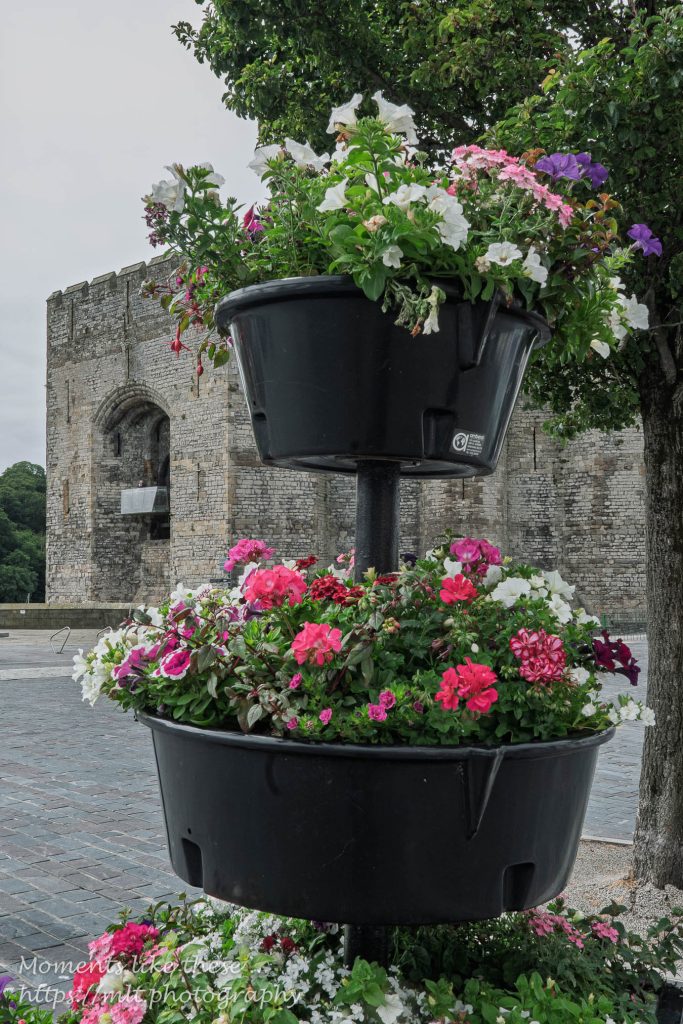
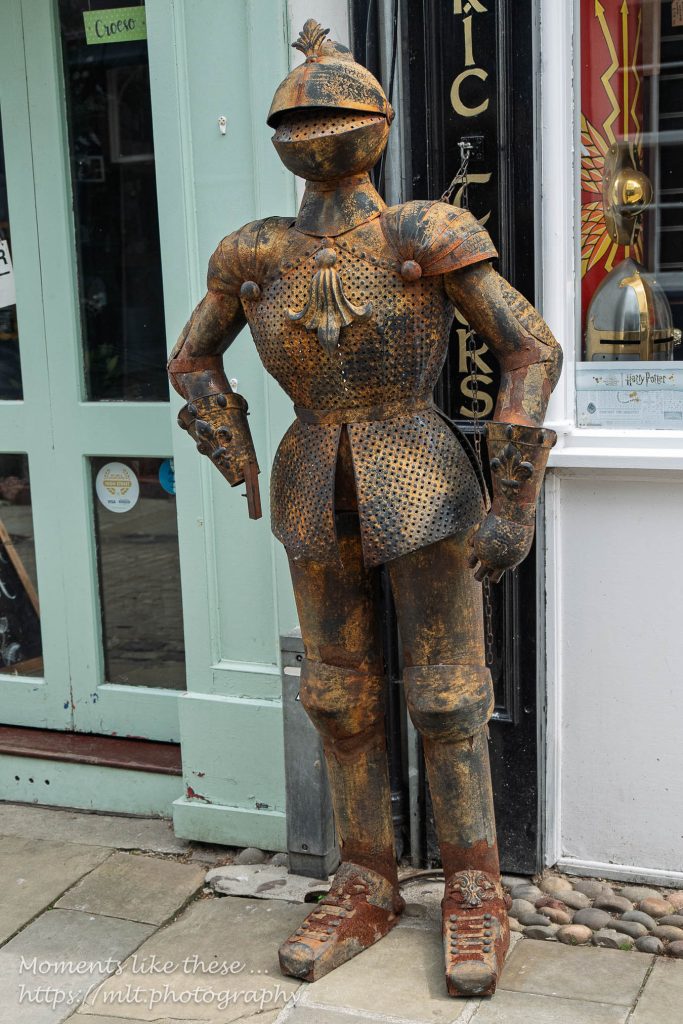
So … what do you do when you’ve just under 2 hours to kill in Caernarfon? Well … after you’ve taken a picture of the castle – but not the touristy one; found a suit of armour which later made me think of Count Binface; I searched for a pub. Guess what, I found one which served not only Bass and Directors Summer Ale, but also Hancock’s HB which must be my next to favourite beer after Timothy Taylor’s Landlord. So I behaved myself, restricted myself to just one pint and a packet of crisps, and then it was back to the train.
A collection of video clips taken on the Welsh Highland Railway trip from Porthmadog to Caernarfon and return.
Nothing much else to report. A local bus arrived very soon after we got back to the station in Porthmadog and took me back to Tremadog and The Golden Fleece Inn where I had a “naked” burger (one without the bun) which was significantly better than my meal the previous night. I also finished off the bottle of Pinot Noir!